
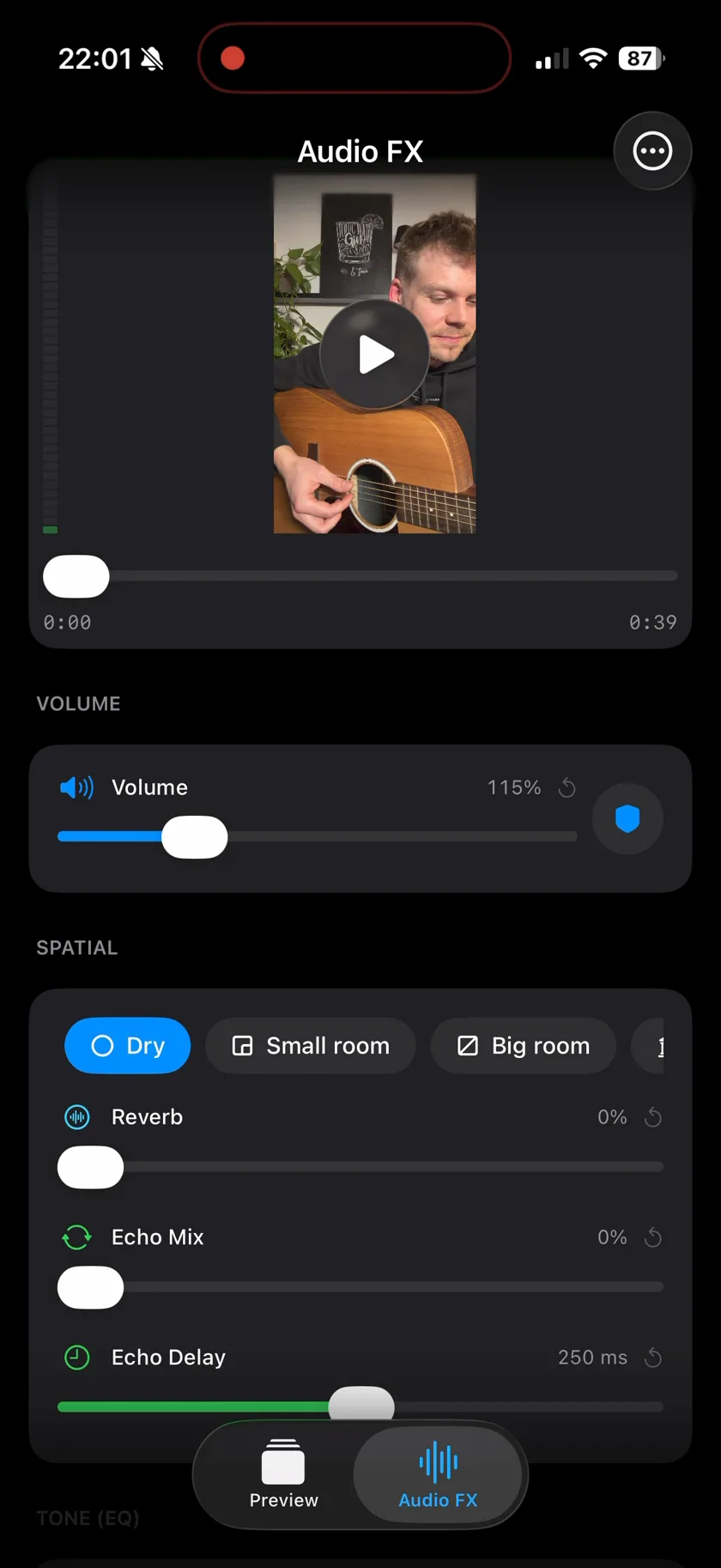
Features
The bigger sibling
Musaic - Recording Studio
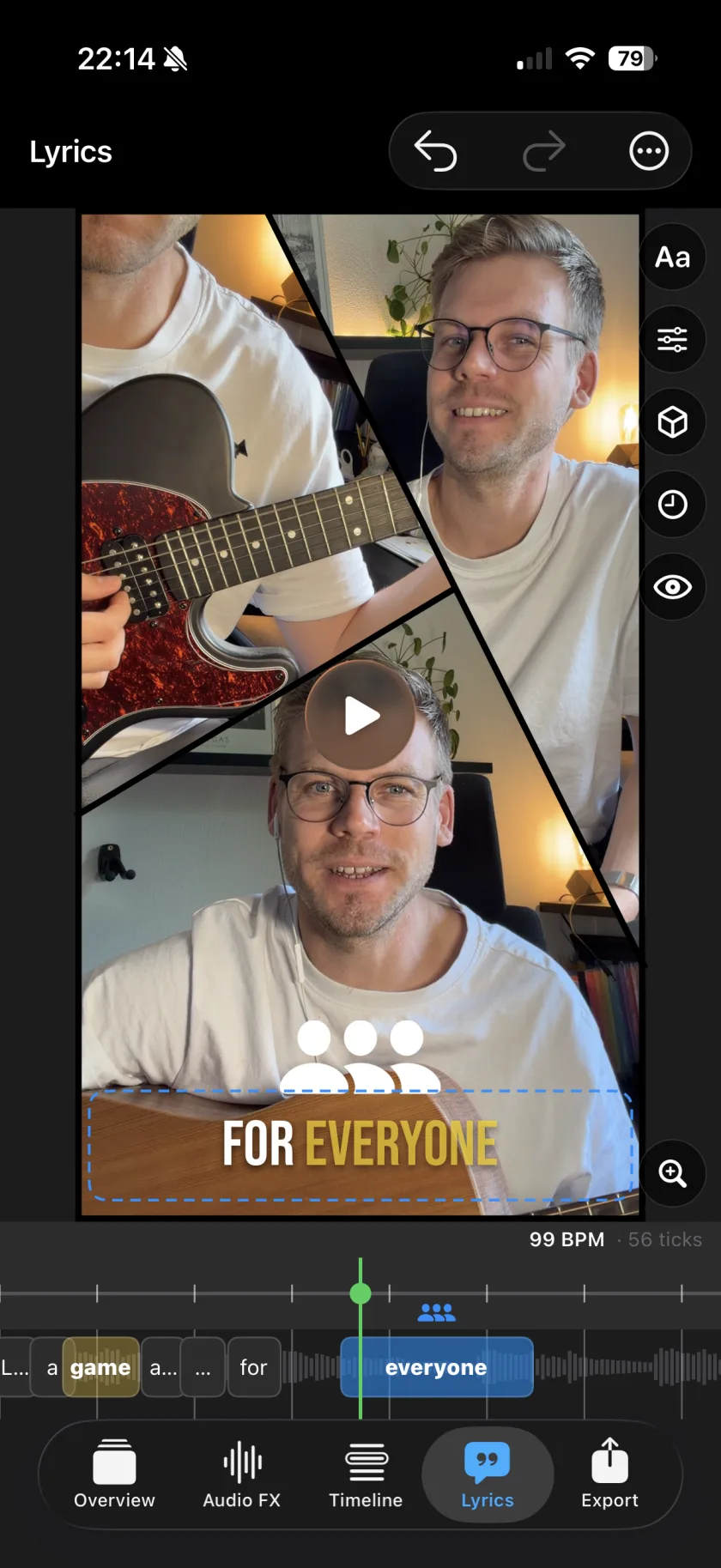
Videcho only treats the audio of a clip you already have. If you want to record takes and layer them - a harmony, an instrument, a second angle - that is what Musaic does.
Feedback
Spotted a bug, or have an idea?
Report it on GitHub. The tracker is public, so you can see what is already known, follow a fix, and add to someone else's report instead of writing a second one. Email still works for anything you would rather not post publicly.
Questions about Videcho.
What does Videcho do?
It adds studio audio effects to a video you already have. Import a clip, apply reverb, echo, a three-band EQ or character effects like warmth and saturation, preview the result, and export a new file.
Is Videcho free?
Yes, entirely - no in-app purchases.
Does it change my original video?
No. Your original clip is never touched; Videcho exports a new file alongside it.
Can Videcho record new video or audio?
No - it only treats the audio of a clip you already have. If you want to record takes and layer them, that's Musaic, its larger sibling.
Which devices does it run on?
It's a universal iOS app, so it runs on iPhone and iPad. There's no Android version.