How to make a sped up or nightcore video on iPhone
Import the clip into Videcho, open Audio FX, scroll to Speed and tap Sped up. Videcho plays the clip at 1.25x, and the pitch rises with the speed, like a record played faster. The slider goes up to 1.50x, and the picture speeds up with the sound.
Videcho is on the App Store for iPhone and iPad. The guide names every button as the app shows it.
You need Videcho on an iPhone or iPad with iOS 26 or later, and a video in your photo library or in Files. The video needs a sound track.
-
Import the video
Open Videcho and tap Choose from Library. Pick Photo Library or Files, then choose the clip. Once a clip is open, the + button at the top left of the Preview tab loads a different one.
-
Open the Speed section
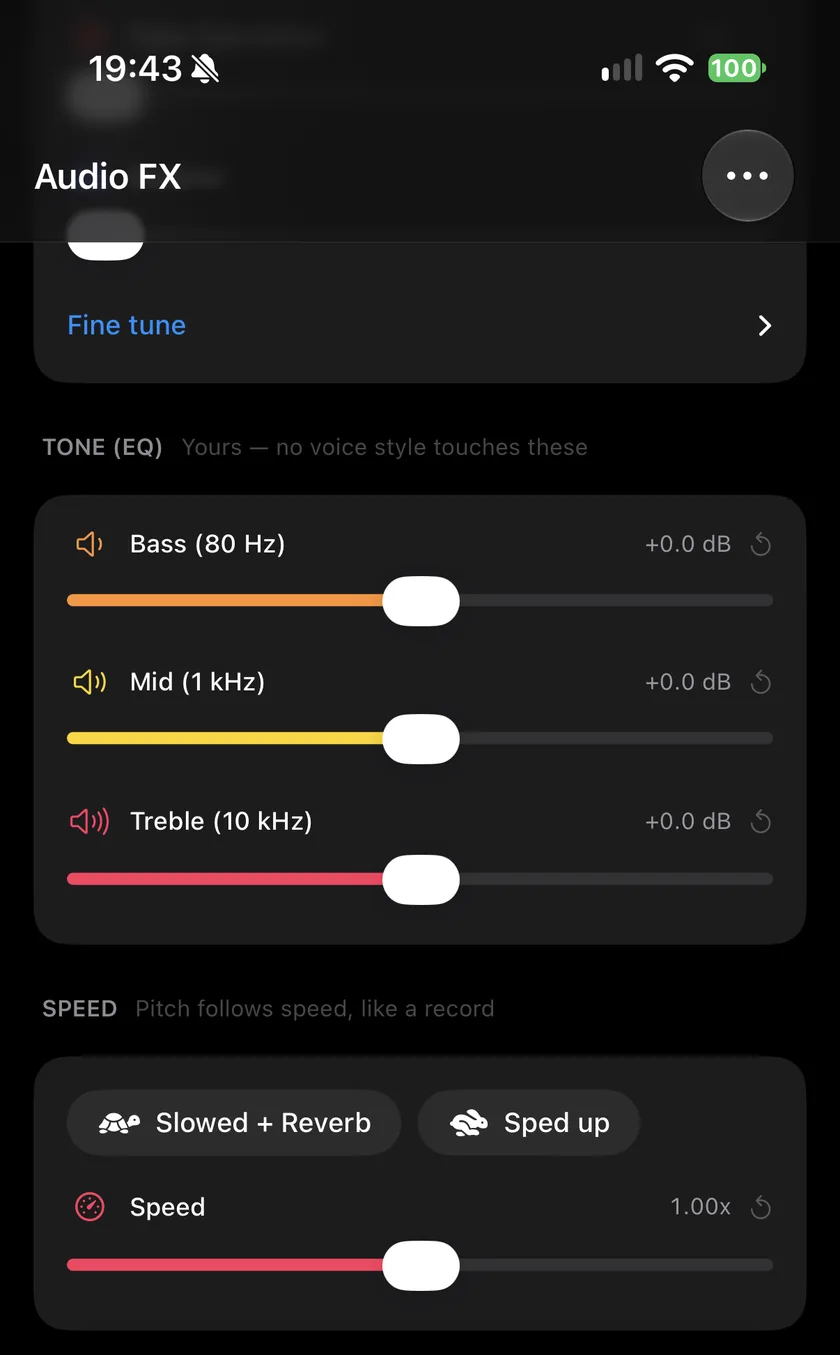
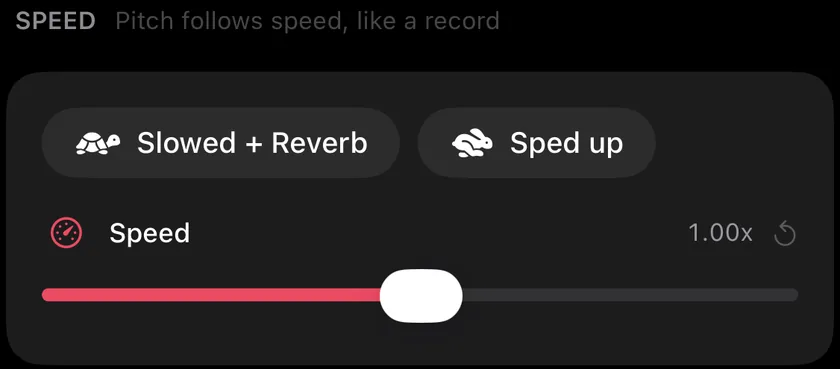
Tap Audio FX and scroll to Speed. It says that the pitch follows the speed, like a record.
-
Tap Sped up
Sped up sets the speed to 1.25x and changes nothing else. The pitch rises with the speed. A second tap sets the speed back to 1.00x.
-
Go faster
Drag the Speed slider up to 1.50x, the fastest Videcho goes. It snaps to 1.00x on the way, and the value reads like "1.35x".
-
Speed up only part of the clip
Play to the point where the fast part should begin, tap the diamond button next to the waveform and move Speed. The new speed applies from that keyframe on.
-
Shape the sound
A faster clip often sounds brighter. Lower Treble in Tone (EQ) a little if it gets sharp, or add some reverb. The EQ guide covers the sliders.
-
Export
Tap the Export button on the Preview tab. The picture is retimed with the sound, so they stay in sync, and the new video is as long as the original divided by the speed: a 60-second clip at 1.25x lasts 48 seconds.
-
What is nightcore?
A sped up version of a song, with the pitch raised along with the speed. Videcho's Sped up does that at 1.25x, and the slider goes up to 1.50x.
-
Can I speed up a video without a higher pitch?
Not in Videcho. The pitch always follows the speed.
-
Can I go faster than 1.5x?
No. The Speed slider covers 0.50x to 1.50x. For a time-lapse, use the Photos app or a video editor.
-
Does the picture speed up too?
Yes. Videcho retimes the picture with the sound, so a sped up clip is shorter and stays in sync.
-
Can I slow a video down instead?
Yes, with Slowed + Reverb or the slider down to 0.50x. The slowed + reverb guide shows it.
Videcho makes a sped up or slowed + reverb video on iPhone and iPad in one tap, and adds reverb, echo and EQ to its sound. It has no subscription and no account.
- How to make a slowed + reverb video on iPhoneGuide
- How to EQ the sound of a video on iPhoneGuide
- How to add reverb to a video on iPhoneGuide
- Videcho vs VideoVerbCompare
Written for Videcho 2.1.0. Button names are the ones the app shows.